OBD Suspension Lowering Module — Setup Guide for Mercedes
Overview
Module stores 2 modes: “Low” and “Stock”.
Default Low = −20 mm.
Available steps: −10, −20, −30, −40, −50, −60, −70 mm (10 mm step).
After −70 mm cycle → −10 mm.
IMPORTANT: display indications may take up to 30 s to appear.
Preparation
Turn ignition on (press START/STOP twice) WITHOUT brake pedal .
Wait ~15 s for system boot. Insert the module into the OBD2 port.
STEP 1 — Install certificate
Certificate is on the memory card;the card is pre‑inserted in the module.
1)Turn ignition on.
2) Insert the module in OBD2 port.
3) Wait for one blue blink on the central display.
4) Turn ignition off, remove the module and extract the memory card (see video): https://youtu.be/MNNwulDt-Ik
How to set “Low” (default −20 mm) Insert module into OBD2.
Observe the central display: one BLUE blink = “Low” accepted.
Turn ignition off and remove module.
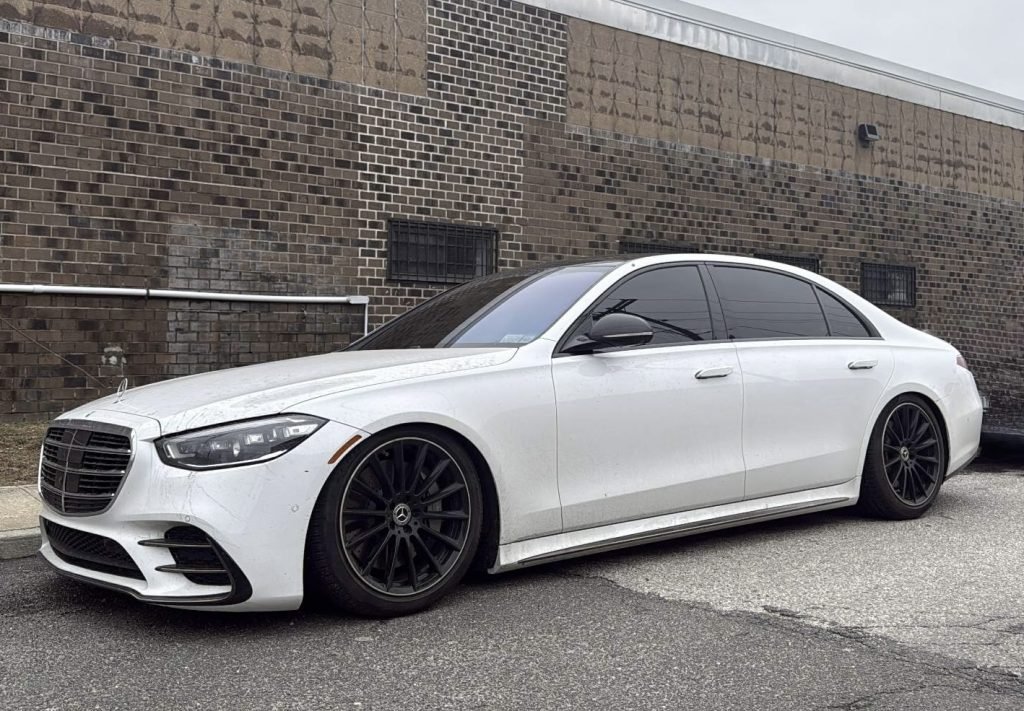
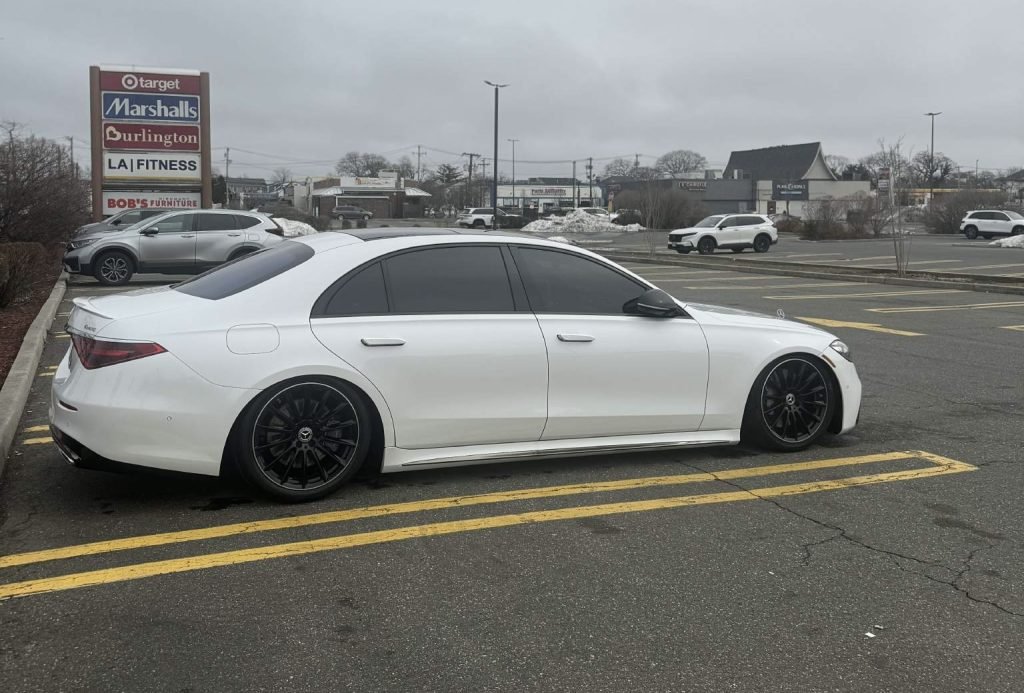
Start the car and close all doors — suspension will adjust to selected height.
How to return to stock settings
Repeat Preparation (ignition on, wait ~15 s, insert module).
Wait for two green blinks = stock settings accepted.
Turn ignition off, remove module, then start the car.
Suspension will return to FACTORY height .
How to change “Low” value (example −20 → −30 mm)
Turn ignition on (brake released), wait ~15 s.
Insert module and immediately PRESS and HOLD the brake pedal.
Observe central screen : two RED blinks = current value −20 mm;
after blinks finish,SHORT-press the brake once → display will blink three times RED = −30 mm.
each short press shifts value by −10 mm; after −70 mm the cycle returns to −10 mm.
Note: always wait for blinks to finish before the next press.
How to save selected value
When the display shows the required number of red blinks (e.g. 3 for −30 mm), press and hold the brake pedal.
Hold until the display blinks once BLUE = value saved as “Low”.
At this stage module will have following settings :
1) low -30mm
2) factory height
Turn ignition off and remove module.
Start the car and close doors — saved height will be applied.
Notes
Perform all actions with ignition on , engine is OFF . Do not act until display blinks complete. If indicators are missing or behavior is abnormal, contact support.
WhatsApp: +375298568502 .